Color Tools
A one-stop collection of free online tools, including the color wheel, color conversion, image color picker, color mixer, gradient generator, color matching and the Munsell color system, for all your color design and research needs.

Color Wheel
A digital, interactive color tool built on color-wheel principles

Color Converter
Convert between RGB, Hex, HSL, HSV and CMYK

Image Color Picker
Upload an image and extract the colors from it

Color Mixer
Mix colors together

Gradient Generator
Create CSS gradients visually

Color Scheme Picker
A free, professional online color scheme tool

Screen Color Picker
Pick any color on your screen with one click

WCAG Contrast Checker
Online accessibility contrast checker
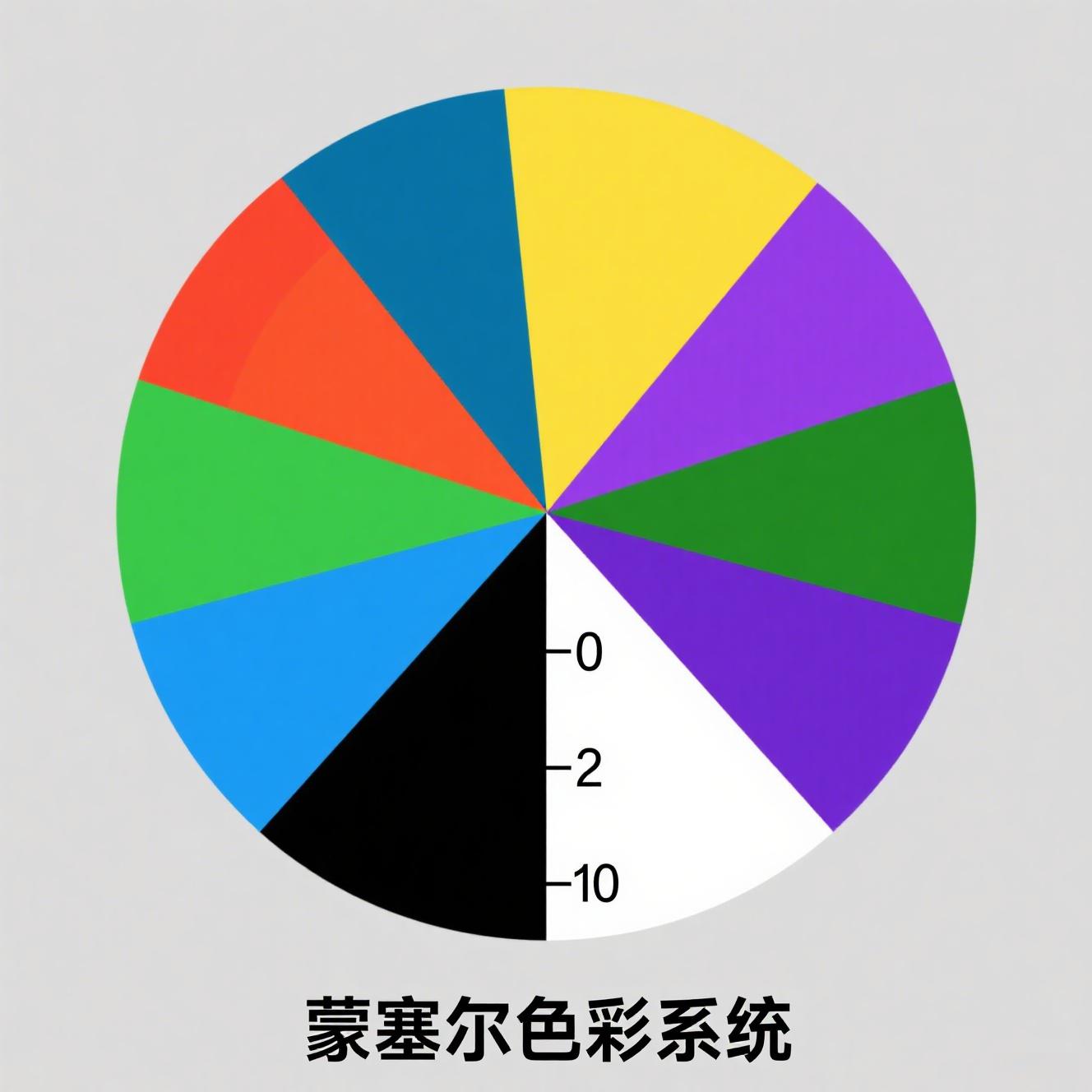
Munsell Color System
An interactive Munsell color system tool
About Color Tools
Color Tools brings together seven free online color tools that cover the whole workflow from color theory to practical color schemes. Whether you are a designer, a front-end developer, an illustrator or simply a color enthusiast, you will find the right tool here: understand color relationships with the color wheel, convert between different formats with the color converter, pick real colors from an image, blend an ideal transition color with the color mixer, get CSS gradient code instantly with the gradient generator, generate professional color schemes with the color matching tool, or dive deep into color theory with the Munsell color system. None of the tools require registration — just open and use them — helping you complete color design, color research and color management work efficiently.
Color Wheel — the starting point for understanding color relationships
The color wheel is a digital, interactive color matching tool built on the color wheel principle from color theory. Drag on the wheel to pick any base color, and the tool instantly generates six color schemes: analogous, triadic, complementary, split-complementary, rectangular tetradic and monochromatic. It also supports fine-tuning of value and brightness under both the HSV and HSL color models. Whether you are learning color theory or quickly setting a color direction for a project, the color wheel is the ideal starting tool.
Color Conversion — freely convert between many color formats
The color conversion tool supports mutual conversion between the five common color formats: RGB, Hex, HSL, HSV and CMYK. Simply enter a color value in any one format and the tool outputs the corresponding results in the other formats in real time, along with a color preview. For front-end developers, UI designers and anyone who needs to handle colors across platforms, this is a highly practical productivity tool that eliminates manual calculation and back-and-forth conversion.
Image Color Picker — extract real colors from an image
The image color picker lets you upload any image; move your mouse over it to preview colors in real time, and click once to lock in the RGB and HEX values of that point. The tool also automatically generates six color schemes based on the selected color, so you can directly borrow the palette of great designs. It is ideal for extracting palettes from competitor screenshots, excellent works or brand assets — a practical assistant for design reference and color reproduction.
Color Mixer — blend the ideal transition color
The color mixer lets you enter two colors and blend them in any ratio, generating transition colors and the result color in real time. It supports three input methods — hexadecimal, RGB and a color picker — and lets you freely adjust the mixing ratio and the number of transition colors, giving an intuitive preview of the full gradient from color one to color two. It is commonly used to determine mid-tones, generate gradient candidates and find the balance point between a primary and a secondary color — a handy tool for color combinations.
Gradient Generator — quickly generate CSS gradient code
The gradient generator supports three types — linear, radial and conic gradients. You can freely adjust the number of colors, the gradient direction, the rotation angle and the number of transition colors, and it includes three built-in presets (gold, blue and red gradients) that apply with a single click. The tool generates the corresponding CSS code in real time and lists all transition color values; click a swatch to copy it. It is ideal for web backgrounds, button styling, poster palettes, app interface gradients and more.
Color Matching — a professional color scheme generator
The color matching tool offers three ways to pick a color — a hue bar, a value/saturation panel and HEX input — so you can specify any color precisely. It also includes six built-in schemes: analogous, complementary, monochromatic, triadic, tetradic and split-complementary, generating harmonious color combinations with one click. It is ideal for web design, UI/UX color matching, scientific chart making and brand visual planning, helping you quickly solve problems of uncoordinated colors and hard-to-decide color combinations.
Munsell Color System — dive deep into three-dimensional color theory
The Munsell color system was proposed by the American artist Albert Munsell in the early 20th century, describing colors precisely through the three dimensions of hue, value and chroma. This tool provides sliders for the three dimensions, displaying the Munsell notation of the current color in real time (such as 5R 5/10), alongside a hue color bar that visually presents color changes. It is ideal for art teachers, painting learners and color researchers to gain a deeper understanding of color theory, and it is also a great helper for teaching demonstrations and color experiments.
How to use Color Tools
Using Color Tools is very simple. In the tool card area at the top of the page, click any card to enter the corresponding tool page. Every tool provides an intuitive interface and real-time effect previews: the color wheel and color matching are ideal for generating color schemes, the color converter is ideal for handling color value formats, the image color picker is ideal for extracting colors from existing images, the color mixer and gradient generator are ideal for generating transition colors and CSS code, and the Munsell color system is ideal for diving deep into color theory. Choose tools based on your actual needs, or combine several of them to complete the full color matching workflow from theory to practice.
Frequently Asked Questions (FAQ)
Are all these color tools free?
Yes. Every tool in Color Tools is completely free. No registration or login is required — just open the page and use it. All calculations are done locally in your browser and no data is uploaded, so you can use them with confidence.
Which tool should I start with?
If you are new to color, start with the color wheel or the Munsell color system to understand the basic relationships between colors. If you already know which specific feature you need, go straight to the corresponding tool — for example, use the image color picker to extract colors from an image, or the gradient generator to produce gradient code.
What is the difference between the color wheel and the color matching tool?
The color wheel selects colors by dragging on a wheel, which is more visual and ideal for intuitively observing how colors are positioned on the wheel. The color matching tool selects colors through a hue bar and a value/saturation panel, which is closer to the color-picking experience of professional design software. Both support generating multiple color schemes, so you can choose based on your personal preference.
Can the image color picker and the color mixer be used together?
Yes. You can first use the image color picker to extract a primary color from a design reference, then feed that primary color into the color mixer and blend it with another color to produce transition colors, building a complete color scheme. This is also a workflow many designers commonly use.
How compatible is the code generated by the gradient generator?
The tool generates standard CSS background syntax covering linear-gradient, radial-gradient and conic-gradient, compatible with all modern browsers. If you need to support older browsers, you can add a fallback, such as a solid color as a fallback.
Can the color schemes generated by these tools be used commercially?
Yes. The color schemes are calculated by algorithms based on color theory and do not involve third-party material copyrights. You are free to use them in web design, UI design, brand design, scientific charts and any other projects, with no attribution or authorization required.
Do the tools support mobile access?
Yes. All tools are responsively adapted and work normally on phones and tablets. However, for scenarios that require precise operation, such as the image color picker, we recommend using a mouse on desktop for a more accurate color-picking experience.
Will new color tools be added in the future?
Yes. Color Tools will keep being updated, adding more practical color tools based on user feedback, such as palette management, contrast checking and color scheme export. If there is a feature you would like, feel free to let us know through the page feedback channel.